How to Create a QR Code Menu for Your Restaurant (Free Step-by-Step Guide)
Creating a QR code menu is easy. Creating one that guests genuinely enjoy using is much harder. In this guide, we share practical advice from building BellQR inside a real restaurant, covering everything from choosing the right platform to designing a menu that helps guests make confident decisions.
How to Create a QR Code Menu That Guests Actually Enjoy Using
Creating a QR code menu is surprisingly easy.
Creating one that guests genuinely enjoy using is much harder.
Most articles on the topic focus on the technical side of things. They explain how to generate a QR code, upload a PDF or print table stickers. Those steps are important, but after spending the last six months building BellQR inside a real restaurant, I’ve become convinced they’re not the part that really matters.
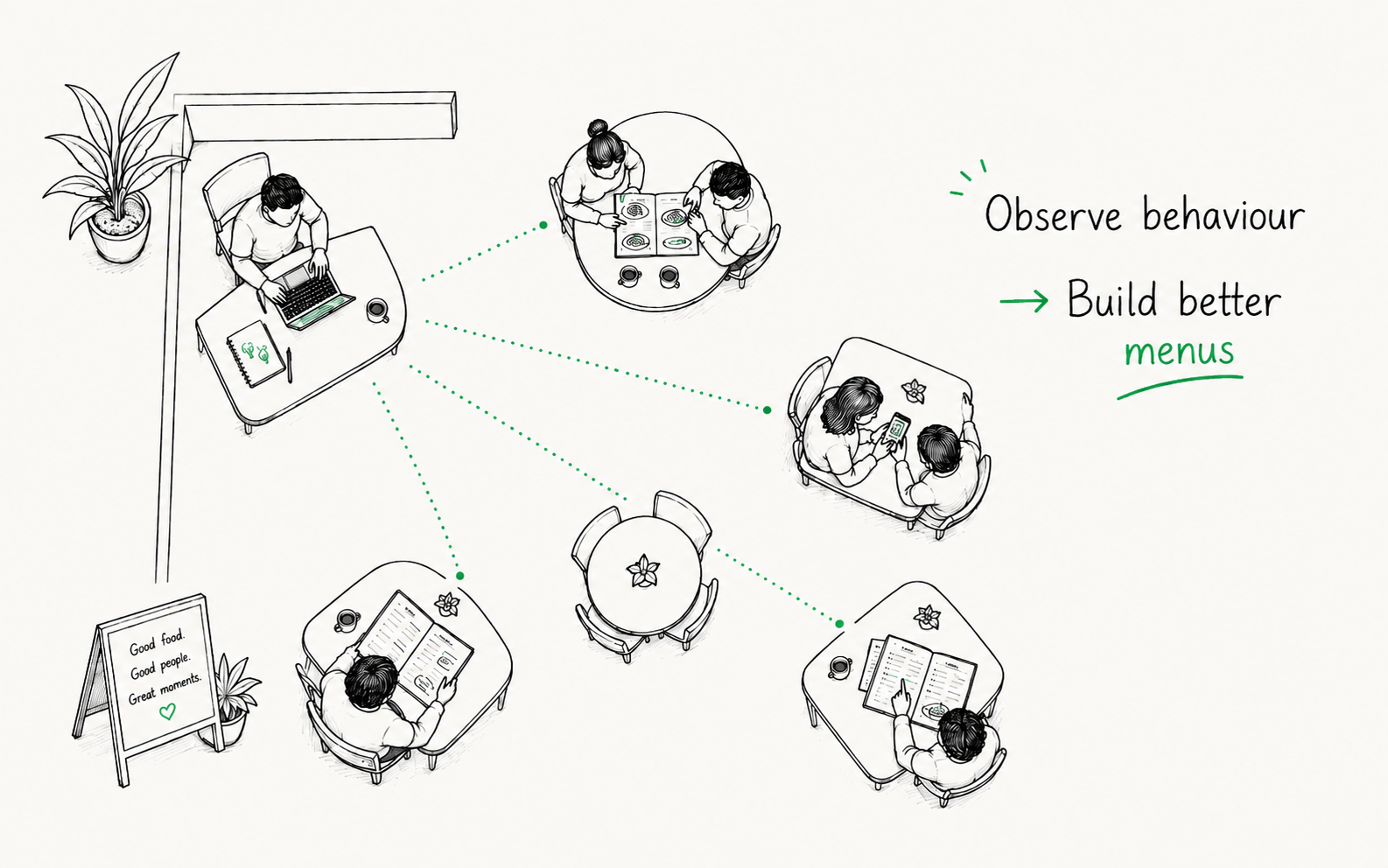
One of the unexpected advantages of building the product in a live restaurant was the feedback loop. I’d often deploy a new version before lunch service, then quietly sit in the corner with my laptop and watch how guests interacted with it throughout the day. Sometimes a small change immediately made the experience feel smoother. Other times, something I thought would be useful was barely noticed.
After watching hundreds of guests browse menus, one pattern kept appearing.
The best QR menus don’t simply present information. They help people make decisions.
That idea has shaped almost every feature we’ve built since, and it’s also the idea behind this guide. Yes, we’ll cover the practical steps involved in creating a QR menu, but more importantly, we’ll look at what makes one genuinely useful from a guest’s perspective.
Why Restaurants Are Switching to QR Menus
The original appeal of QR menus was convenience.
Restaurants could update prices instantly, add seasonal dishes without reprinting menus and make changes whenever something sold out. Those benefits are still important today, but they’re no longer the whole story.
Digital menus also allow restaurants to present information in ways that simply aren’t possible on paper. Guests can browse in their own language, filter dishes by dietary requirements, view photographs, read richer descriptions and explore the menu at their own pace.
The technology itself isn’t particularly interesting. What matters is whether it makes choosing dinner feel easier.
Start With the Guest Experience
One mistake I often see is starting with the QR code itself.
Questions like “Which QR code generator should I use?” or “Where should I print the stickers?” are perfectly reasonable, but they come surprisingly late in the process.
The more useful question is:
How do I want guests to feel when they’re choosing their meal?
Ideally, the technology should almost disappear. Guests shouldn’t be thinking about QR codes or digital menus at all. They should simply feel like browsing the menu is easy.
Keeping that goal in mind changes lots of small design decisions later on.
Choosing the Right Type of QR Menu
There are several ways to create a QR menu, each with its own advantages.
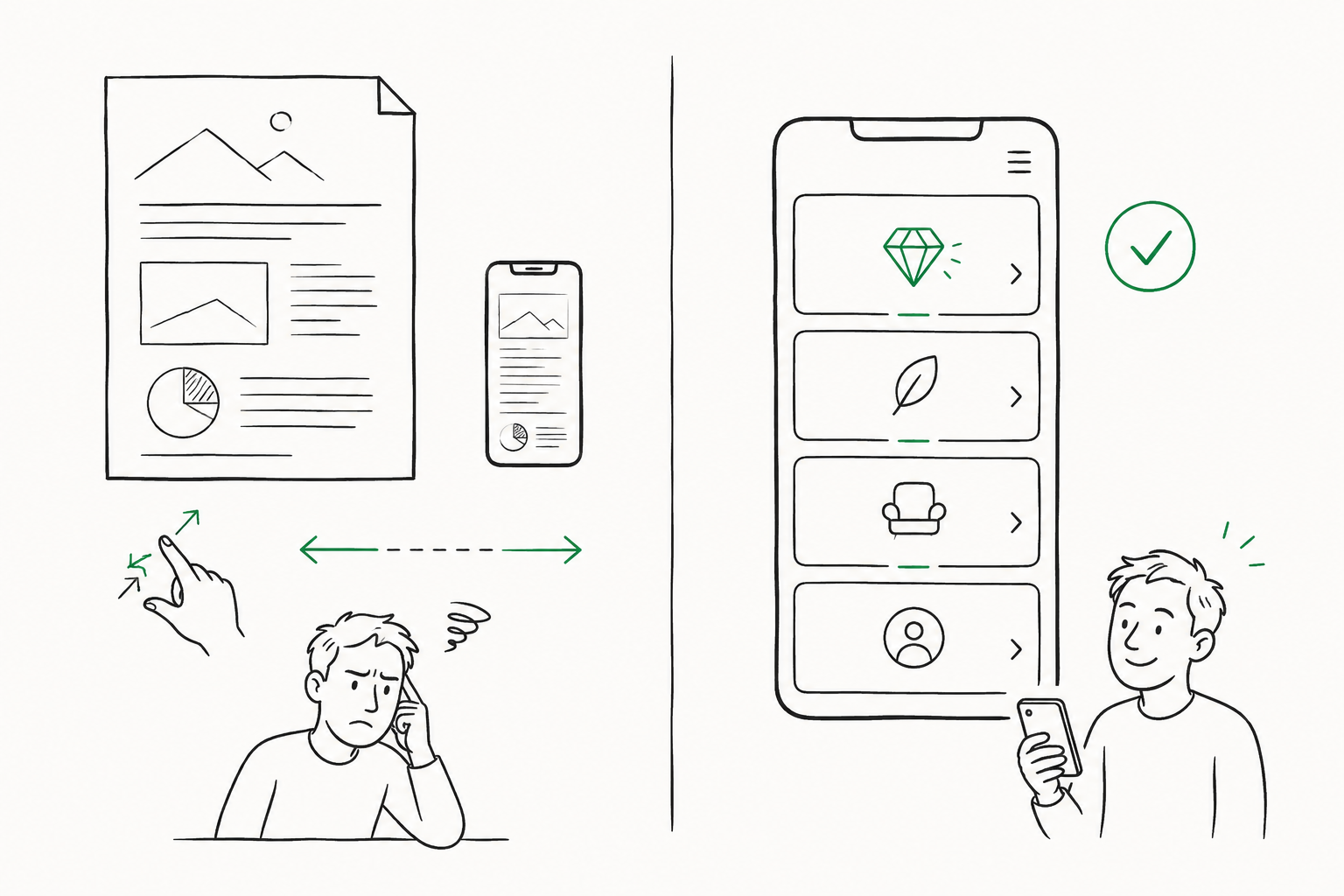
PDF menus
This is often the quickest approach. You upload your existing menu as a PDF and generate a QR code that links directly to it.
It’s certainly better than having no digital menu at all, but PDFs were designed for paper rather than phones. Guests often find themselves zooming in, scrolling sideways and losing their place, especially if the menu is more than a page or two long.
For smaller cafés with a simple menu, that may be perfectly acceptable. For larger restaurants, the experience can become frustrating surprisingly quickly.
Google Docs or shared files
Some restaurants use Google Drive or similar services to publish their menu.
While this is easy to set up, it rarely feels like a restaurant menu. The formatting varies between devices, navigation is limited and the overall experience feels much more like reading a document than browsing a menu.
Your restaurant website
If your website already includes a well-designed, mobile-friendly menu, linking directly to it can work very well.
The important part is making sure guests arrive at the menu immediately. Nobody wants to navigate through several pages while sitting at the table waiting to order.
Dedicated QR menu software
Purpose-built QR menu platforms are designed around how people naturally browse on their phones. Features such as categories, dietary filters, translations, food photography and quick editing all contribute to a smoother experience.
What’s interesting is that none of these features are valuable on their own. They become valuable because they remove small moments of uncertainty while someone is deciding what to order.
Organise Your Menu Around How Guests Browse
Restaurant owners know their menus inside out.
Guests don’t.
That sounds obvious, but it’s surprisingly easy to forget when you’re writing descriptions or deciding how to organise sections.
Keep categories familiar and predictable. Starters, pasta, pizza, desserts and drinks may not be particularly creative names, but guests immediately understand where to look.
The less people have to think about navigation, the more attention they can give to choosing their meal.
Write Descriptions That Answer Questions
Menu descriptions don’t need to be long.
They need to be useful.
A good description often answers the question a guest was about to ask the waiter anyway.
Instead of simply writing:
Seafood Linguine
consider something like:
Fresh linguine with prawns, mussels, clams, garlic, white wine, cherry tomatoes and parsley.
The goal isn’t to impress people with elaborate writing. It’s to remove uncertainty.
If someone has never ordered the dish before, they should have a good idea of what to expect after reading the description.
Restaurant observation
One of the more interesting things we noticed while watching guests use BellQR was that very few people read every description on the menu. Most quickly narrowed their options down to two or three dishes before opening descriptions to compare them in more detail.
That changed how we thought about writing menu descriptions. Instead of trying to describe everything, we focused on answering the questions guests were most likely to have during those final comparisons.
Use Photos to Build Confidence
Food photography isn’t just about making dishes look appealing.
Good photos help guests feel more confident about ordering something unfamiliar.
At the same time, not every dish needs an image. A handful of excellent photographs often creates a better experience than filling the menu with inconsistent or low-quality images.
Whenever possible, use photographs that accurately represent what arrives at the table. Setting realistic expectations almost always leads to happier guests.
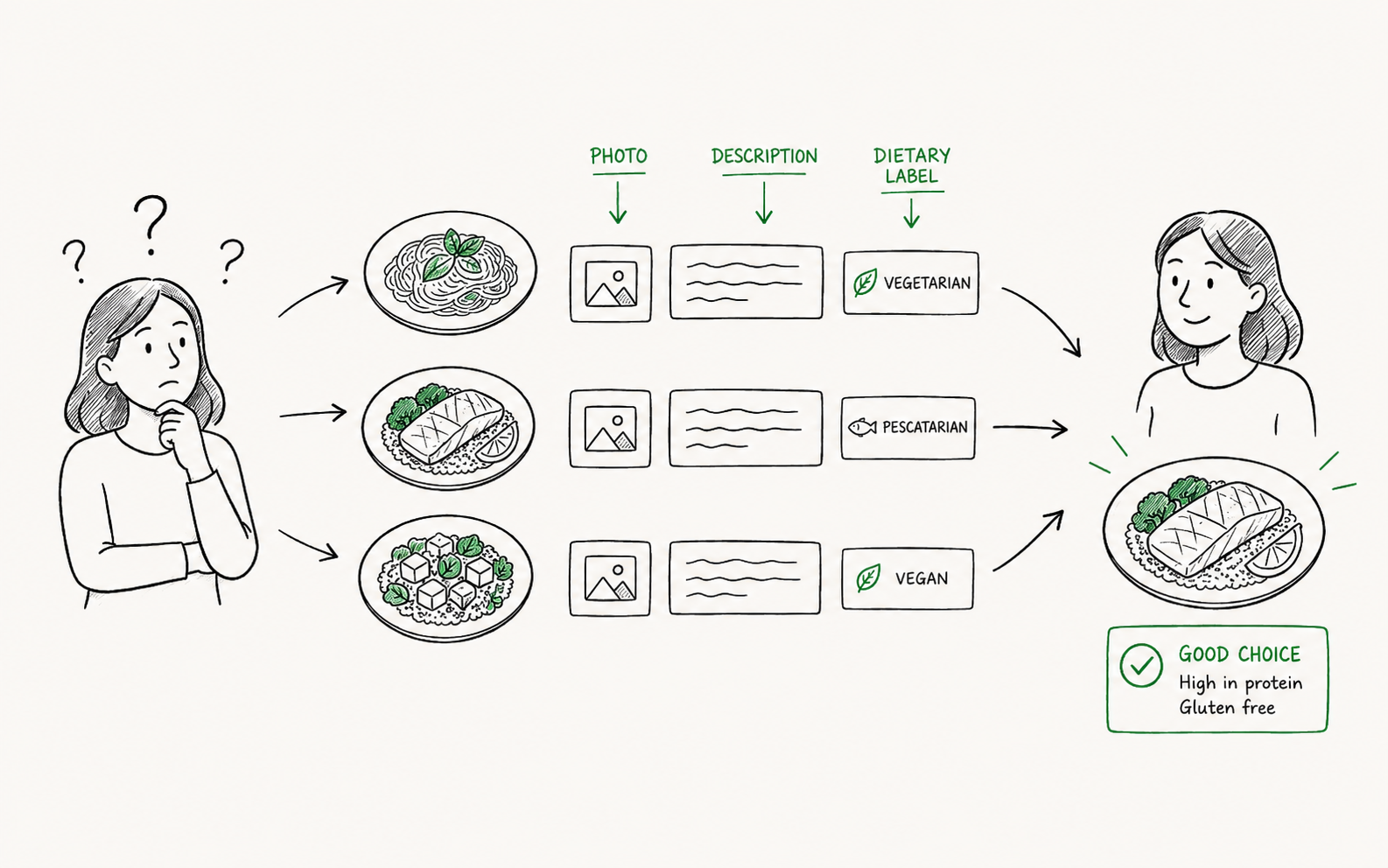
Make Dietary Information Easy to Find
For many guests, dietary information isn’t an extra feature.
It’s how they eliminate half the menu before they even begin comparing dishes.
Clear labels for vegetarian, vegan, gluten-free and dairy-free dishes make browsing significantly easier. They also reduce the number of questions staff need to answer during service, which benefits both guests and the restaurant.
Test Your Menu Like a First-Time Visitor
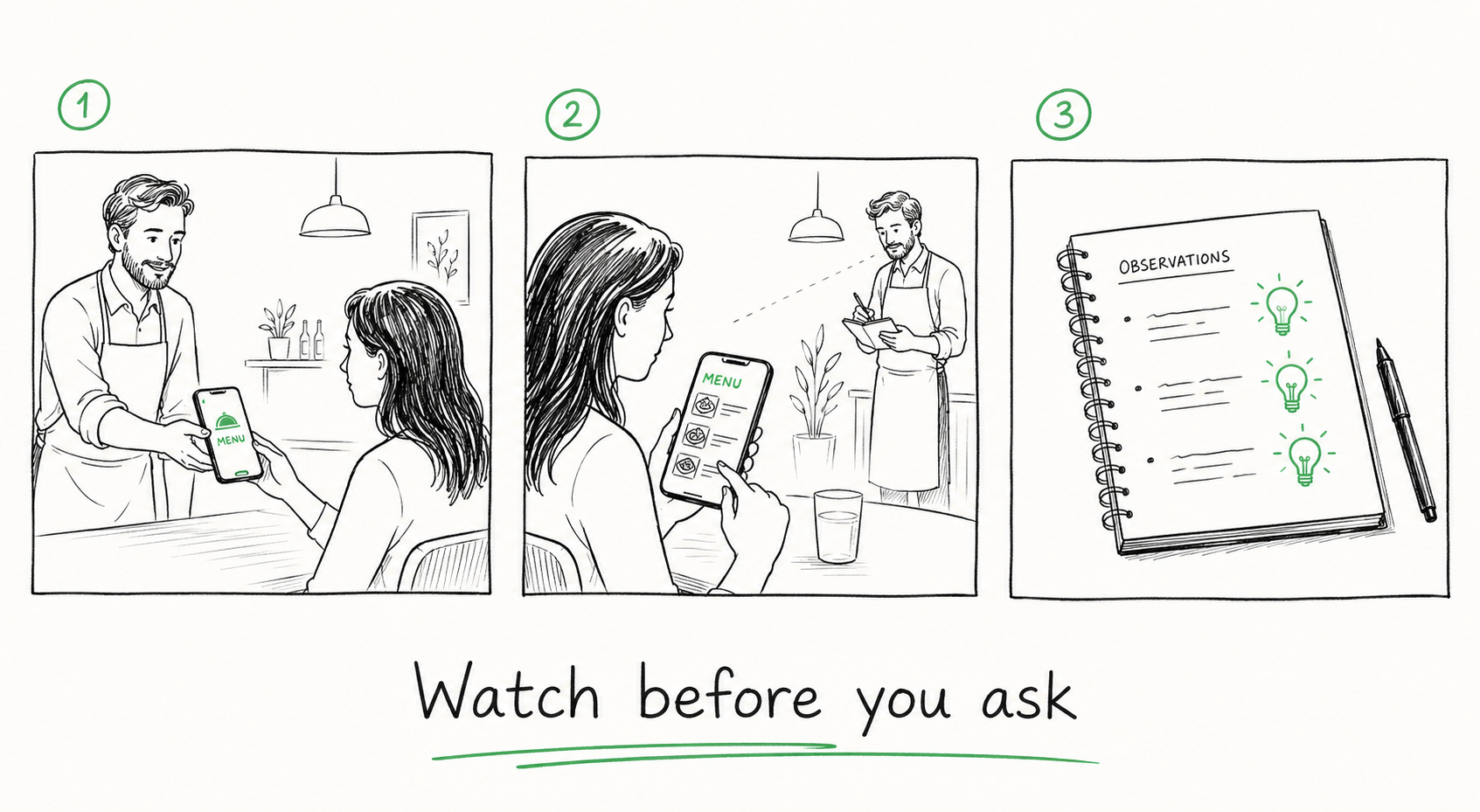
Once your menu is finished, spend a few minutes using it yourself.
Better still, hand your phone to someone who has never seen it before and simply ask them what they’d order.
Don’t explain how anything works.
Just watch.
Where do they hesitate?
Which dishes do they compare?
What questions do they ask?
Those small moments often reveal opportunities to improve the menu that analytics alone would never show.
Restaurant observation
One lesson from building BellQR is that observation is often more valuable than feedback forms.
People don’t always remember why something felt confusing after they’ve finished using it. Watching them browse in real time often tells you much more. A short pause before opening a description, repeatedly switching between two dishes or asking someone else at the table for their opinion all reveal moments where the menu could do a better job of supporting the decision.
Common Mistakes
Over time we’ve seen a few mistakes appear repeatedly.
Treating the menu like a database
A menu shouldn’t simply contain information. It should help guests find the information they actually need.
Adding too much detail
More information isn’t always better. The right information at the right moment is far more valuable.
Forgetting mobile users
Most guests will browse your menu on a phone while sitting at the table. Design for that experience first.
Thinking the QR code is the product
Guests won’t remember the QR code. They’ll remember whether browsing the menu felt effortless or frustrating.
Can You Create a QR Menu for Free?
Yes.
Many QR menu platforms offer free plans, although it’s worth checking what limitations apply before investing time setting everything up. Some restrict the number of menu items, others limit branding, images or updates.
If you’re choosing a platform for the long term, it’s worth looking beyond today’s menu and considering where your restaurant might be a year from now.
That’s one of the reasons we designed BellQR Free around one main menu with unlimited sections and menu items. Growing restaurants shouldn’t have to rebuild their menu simply because they’ve become more successful. If you need additional menus, they’re included with BellQR Pro.
Frequently Asked Questions
Do customers need to install an app?
No. Modern QR menus open directly in the phone’s browser.
Can I update my menu after printing the QR code?
Yes. A dynamic QR menu allows you to update the content without replacing the printed QR code.
Is a QR menu better than a PDF?
For most restaurants, yes. Dedicated QR menus are designed specifically for mobile devices and generally provide a much smoother browsing experience.
Can I offer multiple languages?
Most modern QR menu platforms support multiple languages, making them particularly useful in tourist destinations.
Final Thoughts
The technology behind QR menus will continue to evolve. AI will improve translations, phones will become faster and new features will appear every year.
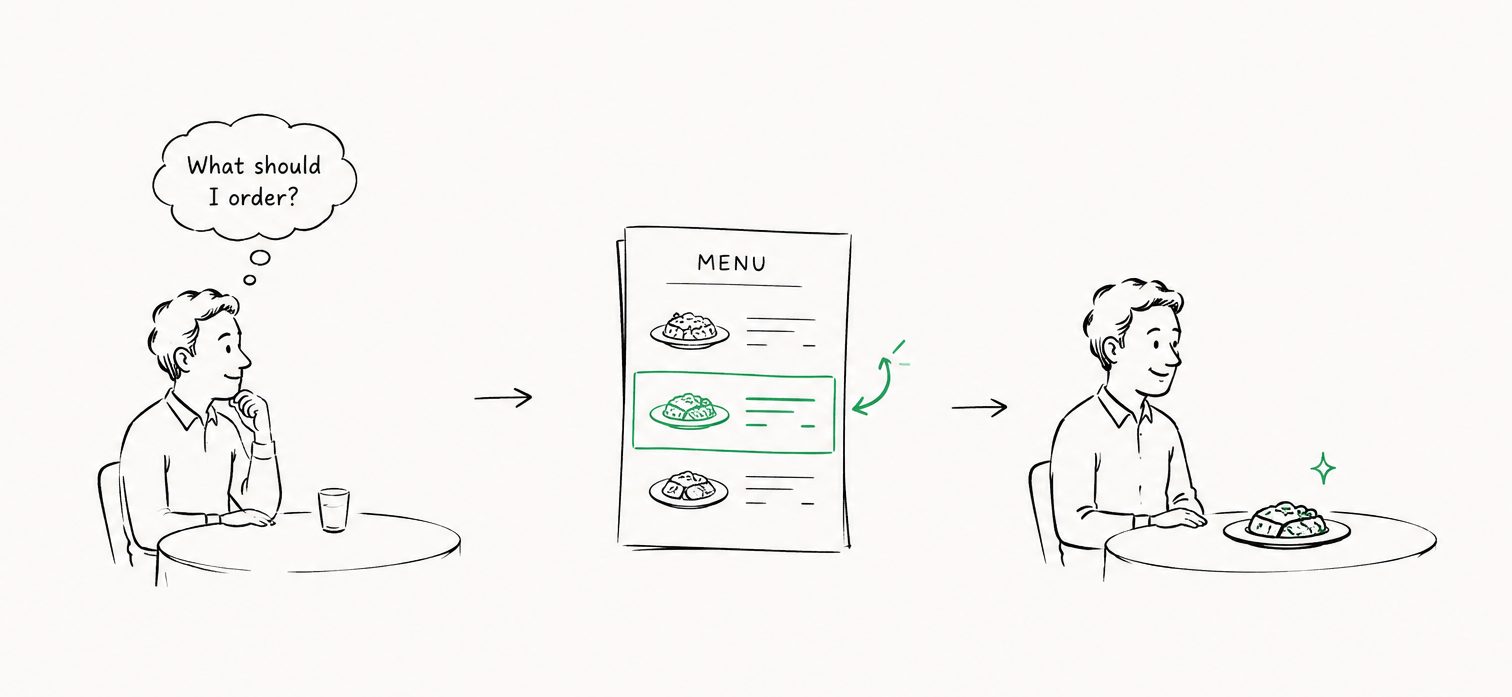
What probably won’t change is the question every guest asks themselves when they sit down at a restaurant table:
“What should I order?”
The best QR menus don’t answer that question for them. They simply make answering it feel easier.
If you keep that idea in mind while designing your menu, you’ll create something that’s more than a digital replacement for paper. You’ll create a menu that guests genuinely enjoy using.
If you’d like to build your own, you can create a BellQR menu for free in just a few minutes.